Instagram Downloader: Videos & Photos
Download Instagram Videos, Photos, Stories, Reels, and Profiles from your account or public accounts
Instagram Photo Downloader
Enter the Instagram PHOTO URL below
Download Instagram Reels Videos
Enter the Instagram Reels URL below
Download Instagram Stories and Highlights
Enter the Instagram Stories URL below
Download Instagram IGTV Video
Enter the Instagram IGTV URL below
InSaver is an independent tool, not affiliated with Instagram™ or Meta. We do not store or own content from Instagram; all rights belong to their legal owners. InSaver respects privacy - only supporting public content. Read more terms of use
InSaver - The best online Instagram Photo and Video Downloader
InSaver is an online Instagram downloader developed to help users easily download public Instagram photos and videos or content they have legal rights to access and use.
When using the Instagram downloader via InSaver, you don't need to log in or link to your Instagram account. All you need to do is copy and paste the Instagram link containing the video or photo you want to download into the InSaver.to tool and press the download button. The tool will automatically handle the rest and save the photo or video to your device in the best quality (up to 1080P, 2K, 4K).
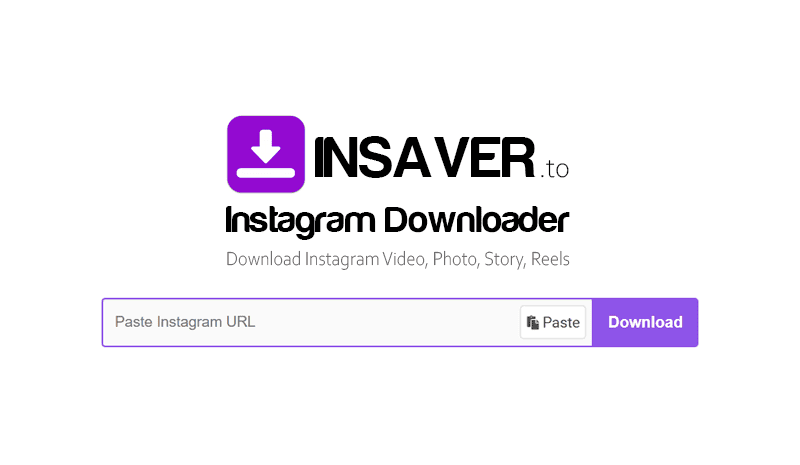
Our Instagram downloader is a safe, easy-to-use tool that can download Instagram videos, photos, stories, reels, IGTV, and profiles. That's why InSaver is trusted and used by many users worldwide. Designed to work on any device, including PCs, iPhones, or Android, without requiring additional apps, it saves storage space on your phone.
High-speed Instagram Downloader
InSaver is developed on the PWA platform, allowing users to access and use it directly on multiple devices such as phones, tablets, or computers without complex installation. The tool is optimized to deliver a stable experience, fast processing speed, and supports saving public Instagram videos and images in high quality.
Key features of InSaver:
- Video from post.
- Images with multiple resolutions.
- Reels – short videos similar to TikTok.
- Stories & Highlights – including archived content.
- IGTV – long videos with full sound.
- Download avatar from user's profile page URL.
- Supports downloading photos and post videos from public user profile URLs.
How to download Instagram videos or photos using InSaver:
- Step 1: Open the Instagram app or go to Instagram.com → Find the post, story, or reels you want to download.
- Step 2: Click the Share button → Select Copy Link to get the path to the content you need.
- Step 3: Go to https://insaver.to/en2 and paste the link into the search box on the homepage → Press the Download button.
- Step 4: Select the quality & format you want to download. The video/photo will be processed and the appropriate download link will be displayed. Finally, just click the Save button and you're done!
Why Use InSaver?
- Fast & Free: Unlimited downloads.
- No need to log in or provide personal information.
- Compatible with all popular devices & browsers.
- Keep original content, no watermark.
- Support many formats: video, photo, mp3....
- Absolute security – no storage of downloaded content.
Download Content from Instagram Safe & Free
InSaver completely requires no app or extension installation. You can save your favorite content easily and completely free of charge, simply by providing a valid public Instagram link.
Our team is comprised of Instagram enthusiasts who want to develop a powerful tool to help users easily and quickly save their favorite content without having to spend money on specialized tools. We only request permission to display a few small ads to help fund server operation!
Notes when using InSaver
InSaver is not affiliated, represented, or sponsored by Instagram or Meta. We do not host, copy, or monitor any content from Instagram. All content is downloaded directly from Instagram servers to the user's device.
We request users to use downloaded content only for personal purposes or with permission from the owner. Any reuse of content for commercial purposes or public distribution without proper permission may violate applicable copyright laws.
InSaver is developed with the purpose of supporting you to easily download photos or videos posted by yourself, public content or content that you have legal rights to access and use. We reserve the right to refuse service if you use this tool to violate copyright or privacy of others.
Read our Terms of Service 👉here👈
FAQ
What is Instagram downloader?
How to download Instagram videos or photos?
Does InSaver work on iPhone or iPad?
Can InSaver be used on Android devices?
Can I download all photos or videos from someone's profile?
Does InSaver support downloading private posts?
Is InSaver free? Do I need to upgrade to PRO?
Once downloaded, where do I find the photos or videos?
- Android/iOS Phone: Files or Downloads folder.
- Computer (Windows/macOS): Downloads folder or check with Ctrl + J to see your download history. If you can't find it, check your browser's default file saving settings.